Your current site probably does more work than you think. Somewhere in it are pages that rank, links from other sites, and forms that bring in calls every week. A redesign that ignores them can quietly wipe them out. This website redesign checklist walks you through the project in order, so the new site keeps what works and fixes what doesn’t.
In plain terms, a website redesign is a planned rebuild of a site’s structure, design and content.
Do you need a full redesign or just a refresh?
You need a full redesign when the structure is the problem: the site breaks on phones, nobody on your team can update it, or it no longer matches what you sell. If the bones are fine and only the look feels dated, a refresh of design and copy is usually cheaper and safer.
| What you see | What usually fits |
|---|---|
| Looks dated, but works on phones and is easy to edit | Refresh: new photos, colors and copy |
| Breaks or shrinks to tiny text on phones | Full redesign |
| Every small edit needs a developer | Full redesign, often on a new platform |
If you’re weighing a builder against a custom build, we compared both in our guide to AI website builders versus custom sites. And if you suspect the current site is already losing business, these signs your website is costing you customers make a good gut check.
What should you audit before a website redesign?
Before anything changes, write down what the current site already earns. That means the pages that get traffic, the searches they show up for, the outside sites that link to them, and the forms and calls they produce. This list becomes the protection plan for every later step.
So the first item on any website redesign checklist is one spreadsheet, with a row for every page you can find. Pull what you can from Google Search Console and Google Analytics, then fill in four columns:
- Traffic: visits over the last 12 months, so seasonal pages don’t get missed.
- Rankings: the searches each page appears for.
- Backlinks: which of your pages other websites link to.
- Leads: which pages send form fills, calls and quote requests.
For example, a bridal shop in Westwood might discover that an old page about alterations brings in more appointment requests than the home page. That page should keep its address and get better, not vanish in the rebuild.
How do you plan the content and sitemap for a new site?
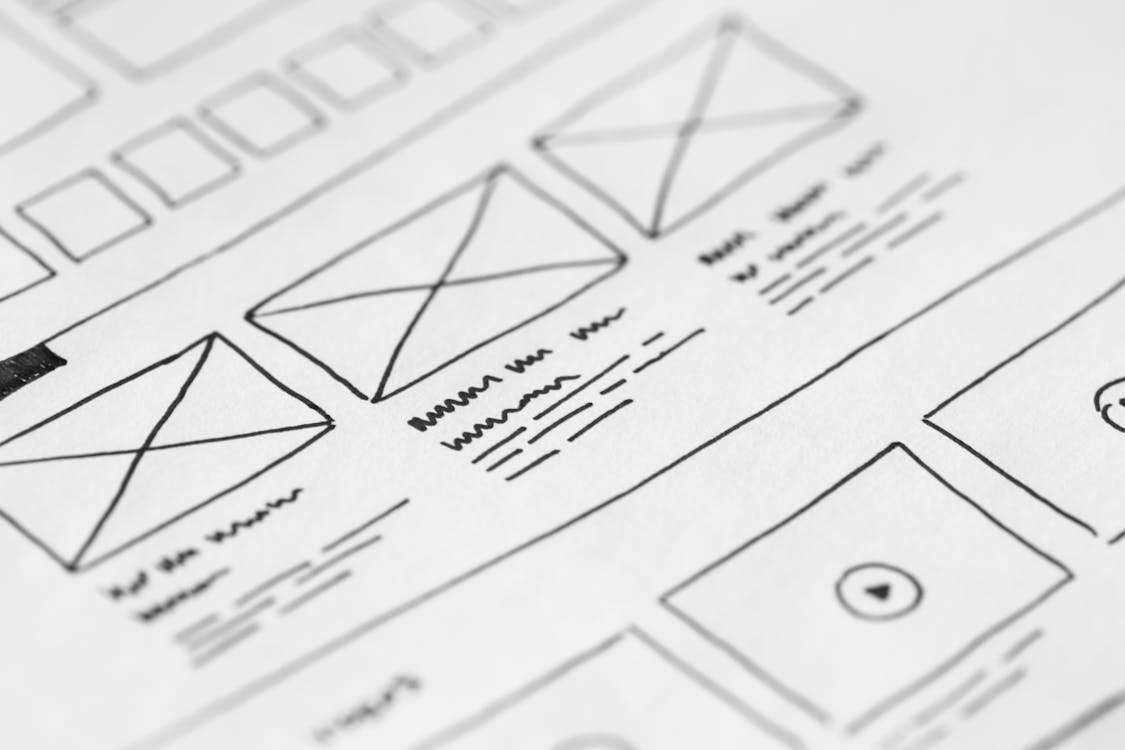
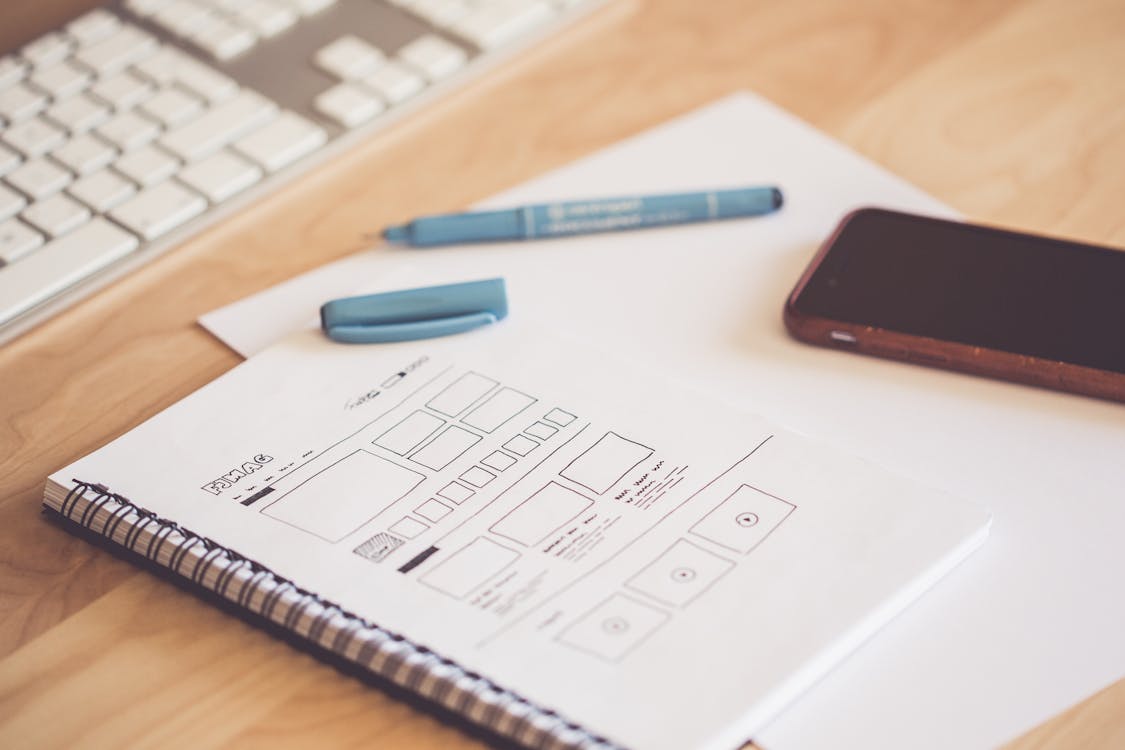
Next, decide what the new site has to do better. Then sort each page into keep, improve, merge or remove, and sketch a sitemap: the list of pages the new site will have and how they connect. Doing this on paper first saves expensive changes once design starts.
Good goals are specific: more booked consultations, fewer calls asking whether you offer a service, or one page for each service you want to sell. “Look more modern” is fine as a wish, but it can’t tell you whether the project worked.
Your audit spreadsheet doubles as the content inventory. Pages that earn traffic or links should rarely be removed; improve them or merge them into a stronger page. For the rewrite itself, see our notes on writing website copy for New Jersey businesses.

Finally, turn the keepers into a simple sitemap. Most small businesses need a home page, one page per main service, an about page and a contact page. An optometry practice in Bridgewater, for instance, might give eye exams and contact lens fittings their own pages instead of one crowded list.
Design for phones, speed and accessibility from day one
Design the mobile version first, keep pages light, and build in accessibility basics from the start. All three cost far less to get right during a redesign than to bolt on after launch. That’s why they belong near the top of your website redesign checklist, not in a cleanup list later.
Mobile first
Google’s guidance on mobile-first indexing explains that Google uses the mobile version of a site’s content for indexing and ranking. It also advises keeping the same content on mobile and desktop. So don’t hide services or reviews on phones just to tidy the layout. Our post on web design and UX for business websites goes deeper on layout.

Speed and accessibility
Speed starts with design choices: fewer heavy sliders, compressed photos and no scripts the site doesn’t need. Check new pages with PageSpeed Insights before launch, and leave deep tuning to our website speed optimization guide.
The Justice Department’s guidance on web accessibility and the ADA says a website that people with disabilities can’t use shuts them out, much as stairs with no ramp would. It also points to the Web Content Accessibility Guidelines (WCAG) as a helpful standard. Treat this as general background, not legal advice. In practice, start with readable contrast, honest alt text and a label on every form field.
How do you keep rankings during a website redesign?
Keep every address that earns traffic or links, and send every address that changes to its closest new match with a permanent 301 redirect. Carry over titles, descriptions and headings for pages that rank, then improve them with care. A skipped redirect turns a page that used to rank into an error page.
Map every old URL to its new home
Google’s own advice on site moves and migrations follows the same order: prepare a mapping from each current URL to its new one, then redirect the old URLs. Add two columns to your audit spreadsheet, old URL and new URL.
Pages you truly retire, with no close match, should return a 404 or 410 error code, as Google’s guide recommends. On-page SEO moves with the content, too. Each page keeps one clear topic, a descriptive title, a meta description and logical subheadings.
Your launch day website redesign checklist
Launch day is about testing, not hoping. Set up tracking before the switch, then walk through every form, phone link, redirect and key page on a real phone and a laptop. Work from a written website redesign checklist so nothing depends on memory, and fix each problem before you announce the new site.
- Install Google Analytics 4 and mark form submissions, phone clicks and booking requests as key events, which is what Analytics now calls conversions.
- Submit every form yourself and confirm each one reaches the right inbox or CRM.
- Tap every phone number, email and map link on a phone.
- Test old URLs from your redirect map, starting with your busiest pages.
- Remove any noindex setting left over from the test site, as Google’s site move guide advises.
- Submit the new XML sitemap in Search Console.
What should you check in the month after launch?
The first month is for watching and fixing. Check Search Console for errors and dropped pages, compare leads with your numbers from before launch, and fix broken redirects the week you find them. Google’s site move guide says new URLs on a medium sized site can take a few weeks or more to replace the old ones in results.
Take a hypothetical kayak rental shop in Sea Isle City that launches its new site. In week one, the owner books a test tour and spots that confirmations go to an old email address. By week three, Search Console shows a few old tour URLs returning errors, so those get redirected.
Also update the website link on your Google Business Profile if any addresses changed. Then keep your audit spreadsheet, because your next redesign will start from it.
Website redesign checklist FAQ
Will a website redesign hurt my Google rankings?
It can, mostly when old URLs vanish without redirects or ranking pages lose their content. Google’s site move guide says to expect temporary ranking fluctuation during a move. A complete redirect map and carried over content give your pages the best chance to hold their ground.
Do I need a new platform for a website redesign?
Not always. Stay on your current platform if your team can edit it easily and it works well on phones. Consider moving if basic changes need a developer or the platform can’t support how you sell, such as online booking.
Does my small business website need to be accessible?
The Justice Department’s web guidance explains how Title III of the ADA, which covers businesses open to the public, applies to websites. It points to WCAG as a helpful standard. This isn’t legal advice, so ask an attorney how it applies to your business.
Need help planning your new site?
A redesign done in this order protects what your site already earns. Samaroo Solutions designs and builds websites for businesses all over the state from our home in northern New Jersey. Our web design service covers the full process, from the first audit to launch testing. Send us your current site and your goals, and we’ll flag the pages worth protecting.