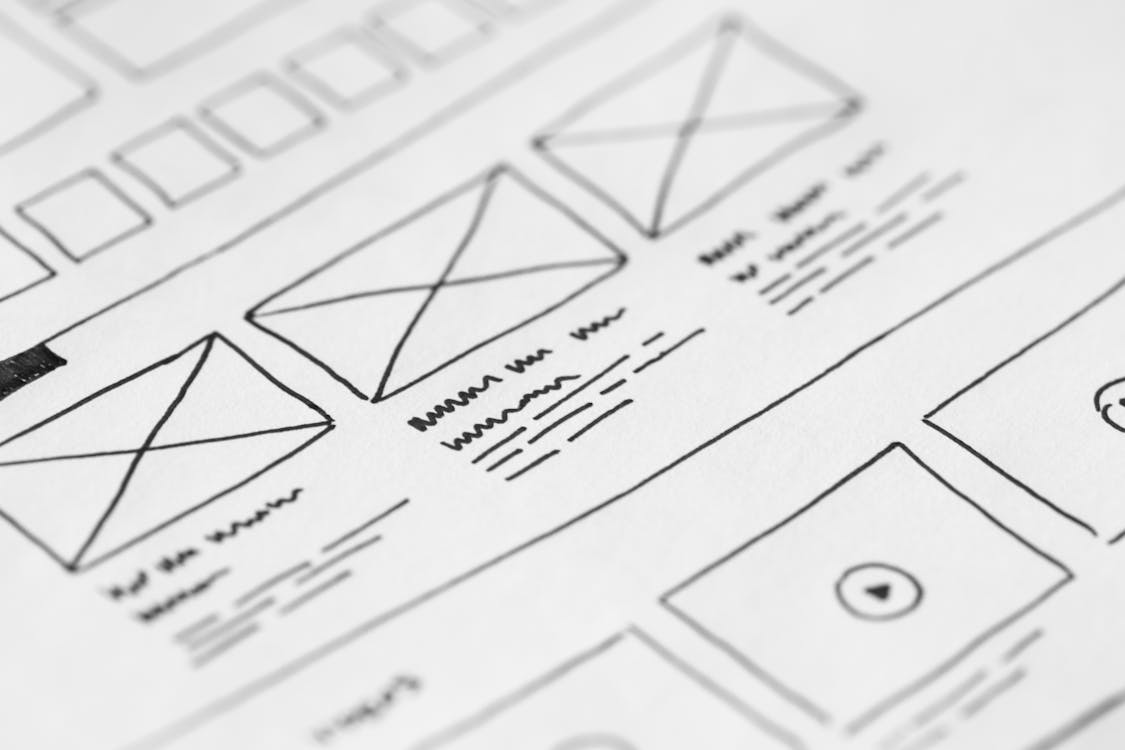
Small business websites rarely lose customers just because they look dated. More often, a visitor lands, can’t find the one thing they came for, and leaves. Maybe the service they need isn’t listed, or the phone number hides in the footer. This web design checklist for small businesses walks through your site page by page. For each page, you’ll see what belongs there and the call to action that fits it.
Use it to audit your current site or to brief whoever builds the next one. Still choosing that person? Then start with our guide on how to choose a web design company in New Jersey.

How to Use This Web Design Checklist
First, decide what a good visit looks like. For most local businesses, it’s a phone call, a form request or a booked appointment. So pick your main action and one backup. Every page on your site should push toward those two, and nothing else should compete with them.
Next, give each page one job. A homepage sorts visitors. A service page sells one service. A contact page removes friction. As you go, ask the same question of every page: what should someone do after reading this?
The Web Design Checklist for Your Homepage
Your homepage has a few seconds to answer three questions. What do you do, where do you do it, and how do I reach you? Picture a homeowner in Wayne whose water heater just quit. She doesn’t want a mission statement. Instead, she wants to know you replace water heaters in Passaic County and that someone will pick up.
- A plain headline. Say what you do and where, such as “Kitchen and bath remodeling in Morris and Sussex counties.” Save slogans for later.
- A tap-to-call phone number in the header. It should sit on every page and dial with one tap.
- One main button near the top. “Get a Quote” beats three buttons fighting for attention.
- Short summaries of your main services. Each links to its own page.
- Proof early on. Show a few real reviews, your years in business and any license or registration number your trade requires.
- Your service area. Name the counties or towns you cover so nobody has to guess.
Also check the page title in the browser tab. Google’s advice on title links warns against vague titles like “Home.” Use your business name, main service and area instead.
Service Pages: One for Each Service You Sell
Many sites cram eight services onto one page, with a sentence each. As a result, none of those services has a real shot in search, and visitors can’t tell whether you actually do what they need.
Instead, give every main service its own page. For example, a dental office in Paramus might build separate pages for implants, clear aligners, cleanings and emergency visits. Each service page should cover:
- Who the service is for and the problem it solves
- What happens from the first call to the finished job
- How pricing works, even if the honest answer is “we quote after a visit”
- Photos of your own work, not stock images
- Answers to the questions customers ask on the phone
- Reviews that mention that specific service
- A matching call to action, such as “Schedule a Cleaning”
Regulated fields need extra care. Law firms, for instance, must follow New Jersey’s attorney advertising rules on testimonials and past results. Similarly, under HIPAA a medical or dental practice needs a patient’s written authorization before it features that patient’s story or photos.
Service Area Pages for Towns You Actually Serve
If you travel to customers, pages for the towns you serve can help locals find you. A landscaper based in Morristown might build pages for Madison, Chatham and Mendham. However, each page needs real substance: jobs you’ve done there, local conditions you handle and the crew that covers the area.
Don’t clone one page twenty times and swap the town name. Visitors notice. Google’s spam policies can also count pages made mainly to rank for near-identical searches, town after town, as doorways. In short, three strong area pages beat thirty thin ones.

About Page: Put Faces to the Name
People hire people, especially for work inside their home or office. So your About page should show who they’ll actually meet. Use real photos of you and your team, the year you started and why you do this work. If you’re family-owned or grew up in Union County, say so.
Then close with your licenses, insurance and memberships, plus a button to your contact page. After all, someone reading your About page is often close to reaching out.
Contact Page and Forms People Actually Finish
Your contact page should make reaching you effortless. List your phone number, email, hours and address, or your service area if customers don’t visit you. Above all, keep the form short: name, phone or email, and a box for what they need. Because every extra field gives someone a reason to quit, cut anything you don’t need.
When someone hits send, take them to a thank-you page that says when you’ll reply. That reassures the customer, and it gives your analytics a clean way to count leads. After that, test the form yourself every month. Submit a request, then confirm it reaches the right inbox and check that the sender gets a confirmation. Broken forms fail silently, so you may never know you’re missing leads.
Also, if the form signs people up for marketing texts, add a separate, unchecked consent box with plain wording. Federal TCPA rules require prior express written consent for most automated marketing texts. Meanwhile, a dental or medical office should keep its form to scheduling basics, not health history, unless the form and inbox meet HIPAA’s safeguards.
Site-Wide Items on Your Web Design Checklist
Some items don’t belong to any one page. They sit on every web design checklist for small businesses, yet they’re easy to miss. For layout and navigation, see our guide to website UX for business owners.
- Mobile layout. Check every page on your own phone. Text should be readable without zooming, and buttons should be easy to tap.
- Speed. Google’s Core Web Vitals guidance sets a 2.5-second target for loading a page’s main content. Oversized photos are a common culprit, so resize and compress them before you upload. Then test key pages in Google’s free PageSpeed Insights tool.
- Accessibility. Aim for readable contrast, alt text on images and forms that work with a keyboard. The Justice Department’s web accessibility guidance explains how the ADA applies to businesses open to the public.
- Security. Every page should load over HTTPS.
- Legal pages. Publish a privacy policy that matches what your forms and tracking tools collect.
- A consistent footer. Include your name, phone, address or service area, hours and links to key pages. Match them exactly to your Google Business Profile, too.
- Ownership. Keep the domain, hosting account and site admin login in your business’s name, not your designer’s.
- Analytics and call tracking. Without them, you can’t tell which pages bring in work.

Match the Call to Action to the Page
A generic “Contact Us” button works. Still, calls to action do better when they match what the reader was just thinking about. Here’s a starting map:
| Page | Main call to action | Backup option |
|---|---|---|
| Homepage | Get a quote | Browse services |
| Service page | Book that specific service | Read reviews for it |
| Area page | Request a visit in that town | See nearby projects |
| About page | Talk to the owner | View credentials |
| Contact page | Send the short form | Tap to call |
Keep the wording specific and low-pressure. “Schedule Your Estimate” tells people exactly what happens next, while “Submit” tells them nothing. Skip countdown timers and fake deadlines, too, because a homeowner comparing three contractors will spot the pressure.
Quick Answers to Common Questions
How many pages does a small business website need?
Most local service businesses do well with a homepage, one page per main service, an About page, a Contact page and a privacy policy. Add area pages and a blog once you have real material for them, not before.
Can a template site still pass this web design checklist?
Yes. A template handles layout, but a web design checklist for small businesses is about what goes inside it: the wording, photos and proof. For budget ranges, see our breakdown of what a small business website costs in New Jersey.
Where to Start
Start with the pages that bring in money: your homepage, your top service pages and your contact page. Fix those first, then work outward. After that, run through this web design checklist for small businesses once a year, because services, staff and hours change.
Want a second set of eyes? Our web design team builds and rebuilds sites for local businesses. Samaroo Solutions is based in northern New Jersey and works with businesses across the state. Tell us about your current site, and we’ll go through this checklist with you.