Most service companies work hard to win a first appointment, then leave everything after it to memory. The confirmation goes out when someone remembers. The review request often never goes out at all. And when the customer is due again, a competitor’s postcard may reach them first. Marketing automation for service businesses closes those gaps by tying each message to something that actually happened: a booking, a finished job, a due date.
Our guide to the follow-up sequences worth building first covers winning the booking. This one picks up from there.
Treat the Customer Lifecycle as One Connected Workflow
Many owners buy software, switch on a reminder here and a review request there, and call it done. However, those pieces rarely talk to each other. So a customer who rebooked yesterday gets a “we miss you” email today. That’s what makes automation feel robotic.
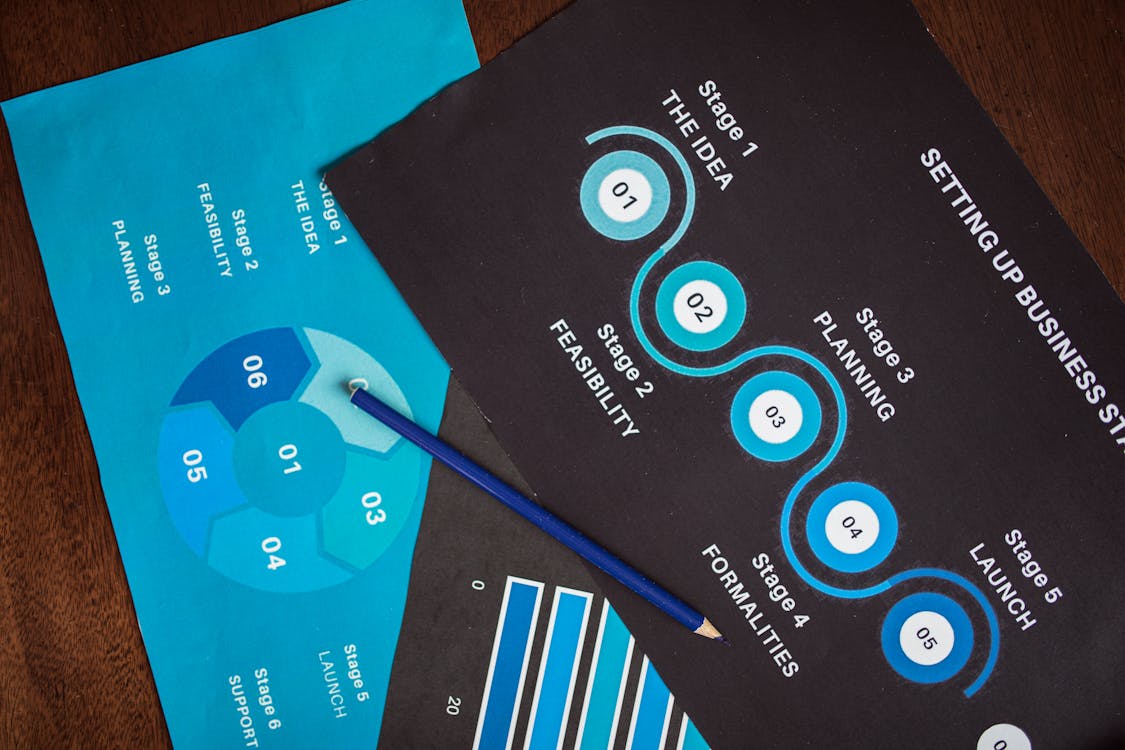
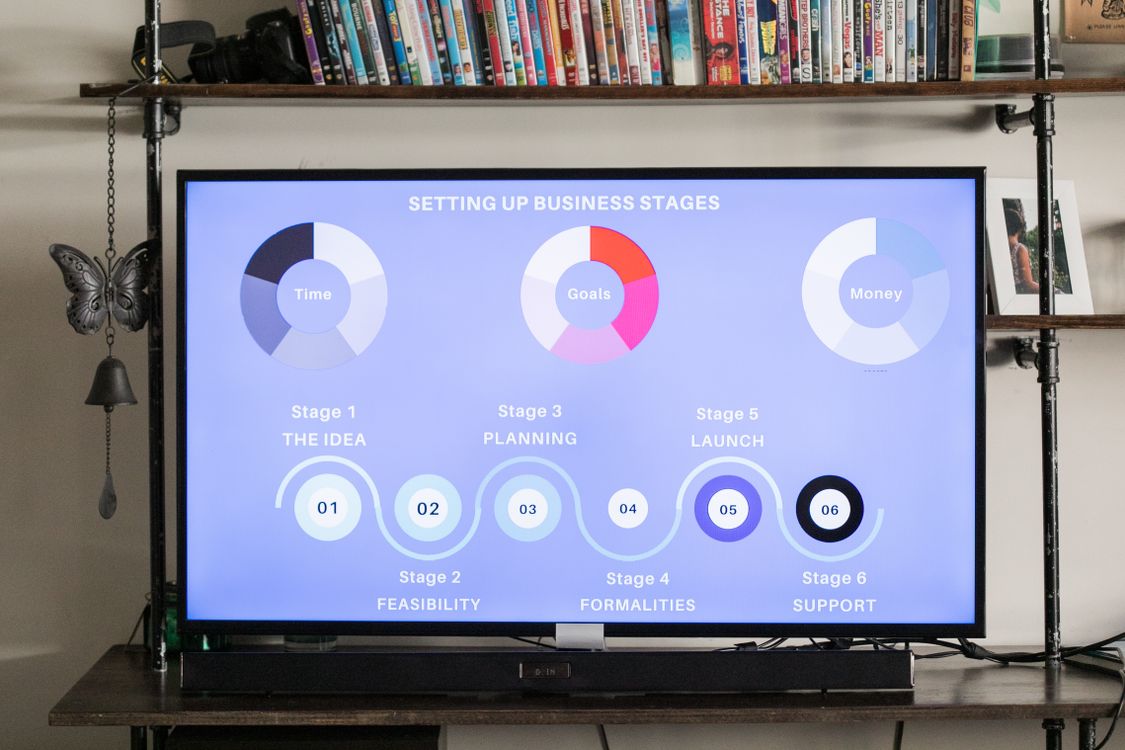
Instead, treat the whole relationship as one chain, where each stage starts the next:
- Booked: a new appointment sends a confirmation and updates your pipeline.
- Reminded: the appointment date drives the reminders, and a reschedule restarts them.
- Completed: closing out the job or the invoice triggers the review request.
- Due again: the last visit plus your normal interval sets the rebooking date.
For this chain to work, every customer record needs five fields: service type, last service date, next due date, preferred channel and text consent. If those fields are empty or unreliable, start there. A CRM set up around the way your team actually books and bills makes every step below simpler.
Marketing Automation for Service Businesses Starts at Booking
The confirmation is usually the first automated message a customer gets from you, so it sets the tone for everything after it. Send it within a minute of booking. Include the date, time and address, who is coming or who they’ll see, and how to reschedule. For home services, also add any prep the customer should do, like clearing a path to the furnace.
Next, put the days before the visit to work. Picture an HVAC company in Morris County that books a replacement estimate a week out. The next morning, it sends a short form asking for the system’s age and a photo of the unit. As a result, the technician arrives prepared, and the homeowner sees a company that runs a tight ship.
Finally, the booking should move the contact to a “Scheduled” stage, which stops any lead follow-up still running. After all, nobody who just booked wants a “Still interested?” text.
Appointment Reminders That Cut No-Shows Without Nagging
An empty chair or an idle truck costs you the same whether the customer forgot or simply changed plans. Reminders fix the first problem. An easy way to reschedule fixes the second, because you get the slot back in time to fill it.
Pick a simple reminder rhythm
For most appointments, two reminders are enough: one a day or two before, and one the morning of. Home service companies can swap the morning reminder for an “on the way” text with the technician’s name. Longer gaps need more touches, though. A dental office in Paramus that books cleanings months ahead might add one a week out.
Make rescheduling easier than skipping
Every reminder should include a way to reschedule, such as a booking link or a simple “reply R to reschedule.” People who can move an appointment in ten seconds usually will. On the other hand, people who have to call during office hours often just don’t show.
Texting also brings its own rules. The federal Telephone Consumer Protection Act treats appointment reminders and marketing texts differently. In particular, promotional texts generally need the customer’s prior express written consent. So record consent at booking, and honor a STOP reply across every sequence, not just the one that sent the text. Your texting platform will likely need to register your business with the carriers (A2P 10DLC registration), so start that early. Dental and medical practices should also keep treatment details out of reminder texts, since HIPAA governs patient information.
Ask for Reviews While the Visit Is Still Fresh
The best time to ask for a review is shortly after the work is done, while the customer still remembers your technician’s name. So tie the request to a real event, like your tech closing out the job or the customer paying the invoice. A batch sent every Friday often lands days late.
Google lets you create a link that opens your review form directly, so put that link in the message. Keep the text short and personal. Then send one gentle reminder a few days later if they haven’t clicked, and stop there.
Two rules keep this stage out of trouble. First, ask every customer, not only the ones you expect to be happy. The FTC’s guide to soliciting and paying for online reviews warns against that kind of selective asking. Second, never offer a discount, gift or other reward for a review. The FTC bars rewards tied to positive reviews, and Google’s review policies ban incentives of any kind.
If a customer replies with a complaint, stop the sequence and alert someone who can call them back. Also, in review replies, health and dental practices should never confirm that someone is a patient.
Rebooking: Marketing Automation That Brings Service Customers Back
For many service businesses, rebooking is where marketing automation pays off most, because you’ve already paid to win that customer once. Every service has a natural rhythm. A salon in Hoboken might see regulars every six weeks, while a lawn care company in Monmouth County plans around the seasons.
The simplest move happens before the customer leaves: book the next visit at checkout. Automation then handles everyone who didn’t. Store an interval on each record so the system can calculate the next due date. About two weeks before that date, send a friendly email with a booking link. If there’s no response, follow up with a text a few days later, as long as you have their written consent to marketing texts. The moment they book, the sequence ends and the reminder stage takes over.
Keep these messages about the customer rather than the sale. A note that says “It’s been six months since your last furnace check” beats a generic coupon blast. Rebooking emails are promotional, so federal CAN-SPAM rules apply. The FTC’s CAN-SPAM compliance guide says each one needs your physical mailing address and a clear way to opt out. You must also honor opt-outs within 10 business days.
Customers who miss two or three cycles in a row belong in a slower win-back sequence, not the same reminder forever. If years of past customers sit in an old spreadsheet, a one-time database reactivation campaign can reopen those conversations. Start with email unless you already have consent to text them. For exact triggers and wording, borrow from our six ready-to-copy automation recipes.
How to Measure Marketing Automation in a Service Business
Automation you never check tends to drift. Messages go stale, links break, and a staff change can leave a sequence pointing at the wrong calendar. A quick monthly review catches these problems before your customers do. Start with four numbers:
- Show rate: the share of booked appointments that actually happen.
- Reviews per completed job: new reviews divided by jobs finished that month.
- Rebooking rate: the share of customers who book again by their due date.
- Time between visits: whether regulars return on schedule or drift longer each cycle.
Numbers won’t tell you everything, so read the replies too. A customer who writes “you already came yesterday” has just shown you a broken stop rule. Fix it, then retest the whole chain on your own phone.
Common Questions About Lifecycle Automation
Is marketing automation worth it for small service businesses?
It often is, if you book appointments or rely on repeat customers. A two-person cleaning company still has reminders to send and reviews to request. The difference is that software sends them on time while you’re busy on a job. With only a few appointments a week, though, a shared calendar and saved text templates may be enough for now.
What software do I need to automate the customer lifecycle?
You need a system that connects your calendar, contact records, texting and email, so one stage can trigger the next. An all-in-one platform usually makes that easier than stitching separate apps together. For a deeper comparison, read our guide to choosing a marketing automation platform.
Give Every Customer a Clear Next Step
You don’t need to automate everything at once. Start where customers slip away most often, whether that’s no-shows, missing reviews or regulars who quietly stop booking. Build that one stage, watch it for a month, then connect the next.
Samaroo Solutions is based in northern New Jersey and works with service businesses across the state. If you’d like help mapping your customer lifecycle and building the automations behind it, talk with our team.